Features
Everything you need to find your stock. Nothing you don’t.
Deathpile does one job well: it turns a pile of unlisted stock into inventory you can find the second it sells.
Where Deathpile fits
Cross-listers get things listed. Deathpile owns the part they all skip: knowing where every item physically is.
| Capability | Deathpile | Cross-listers | Generic inventory apps | A spreadsheet |
|---|---|---|---|---|
| Knows which tub every item lives in | Yes | No | Partial | Manual |
| Mobile pick lists with scan-confirmed dispatch | Yes | No | No | No |
| Reads your real eBay and Shopify listings | Yes | Partial | No | No |
| QR labels for items and storage | Yes | No | Partial | No |
| Built for resellers specifically | Yes | Yes | No | No |
| Cross-posts listings to marketplaces | No | Yes | No | No |
01 · Tubs and locations
Every item has a home. You decide where.
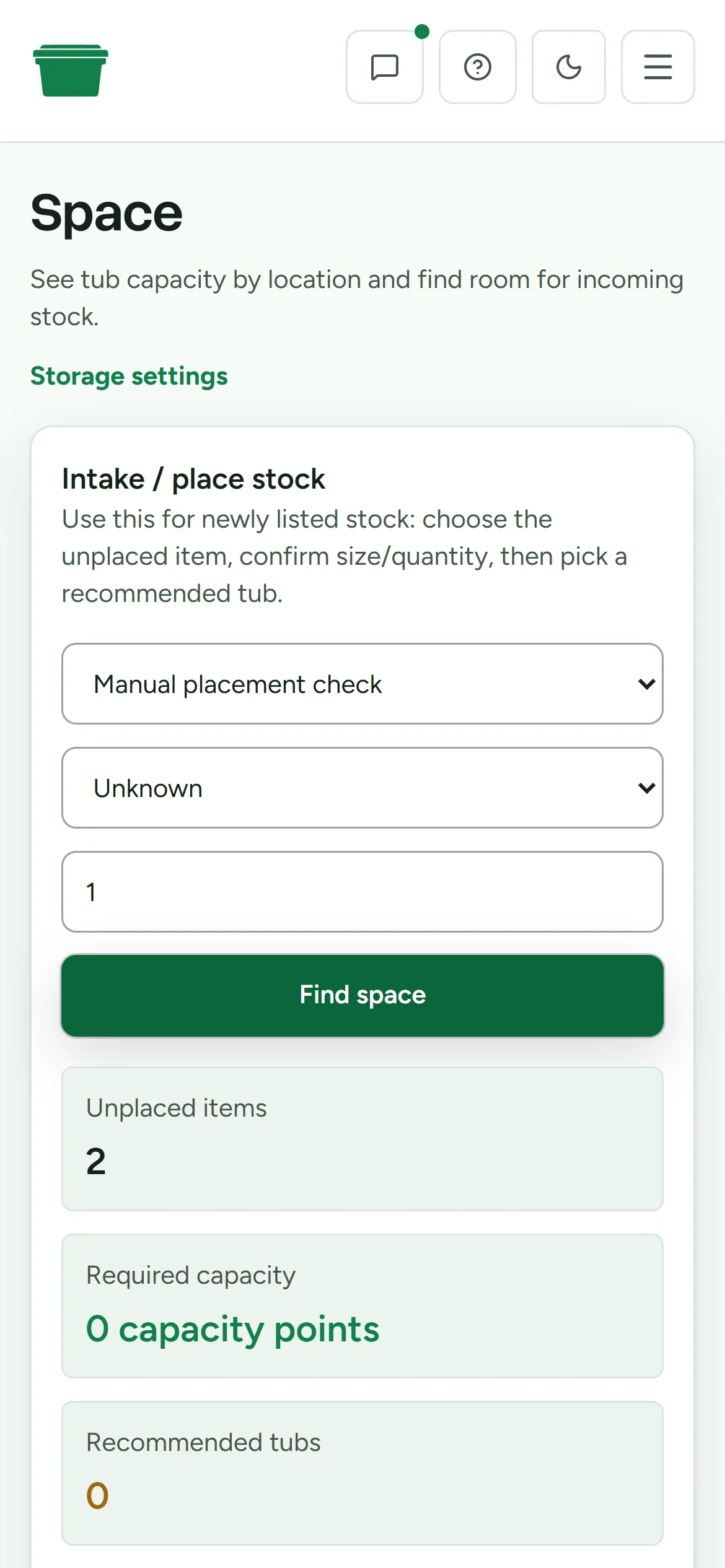
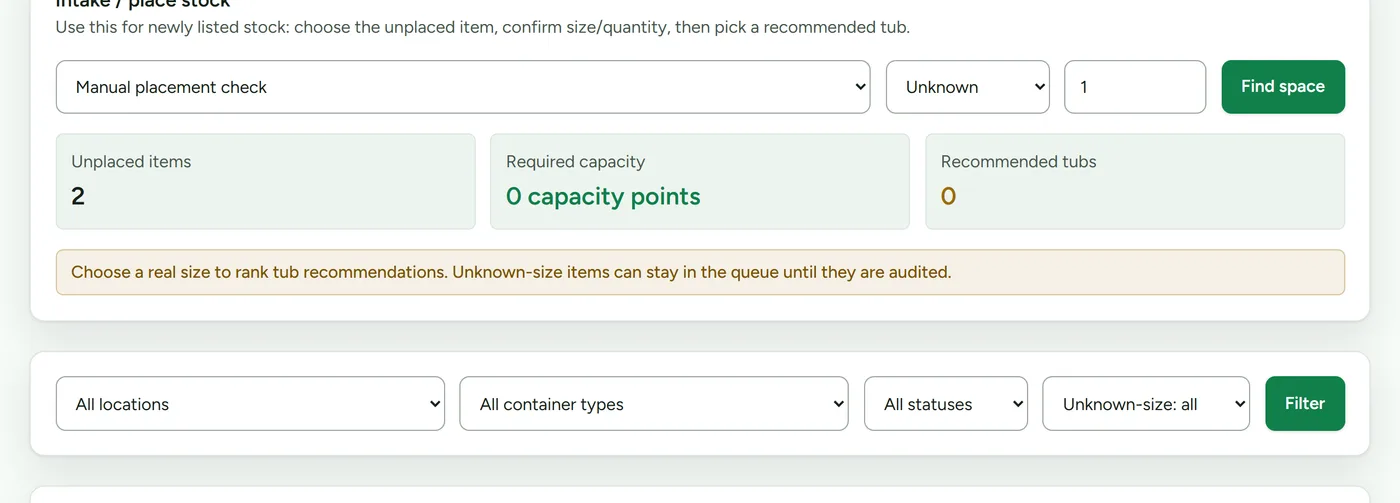
Assign each item to a tub, shelf, or bin in a location you name. Spare room, shed, garage, lock-up: the system doesn't care how big you are, only that everything has a place.
The intake queue keeps new finds visible until they're placed, so nothing quietly disappears back into the pile.
02 · Stock search
Find anything the moment it sells.
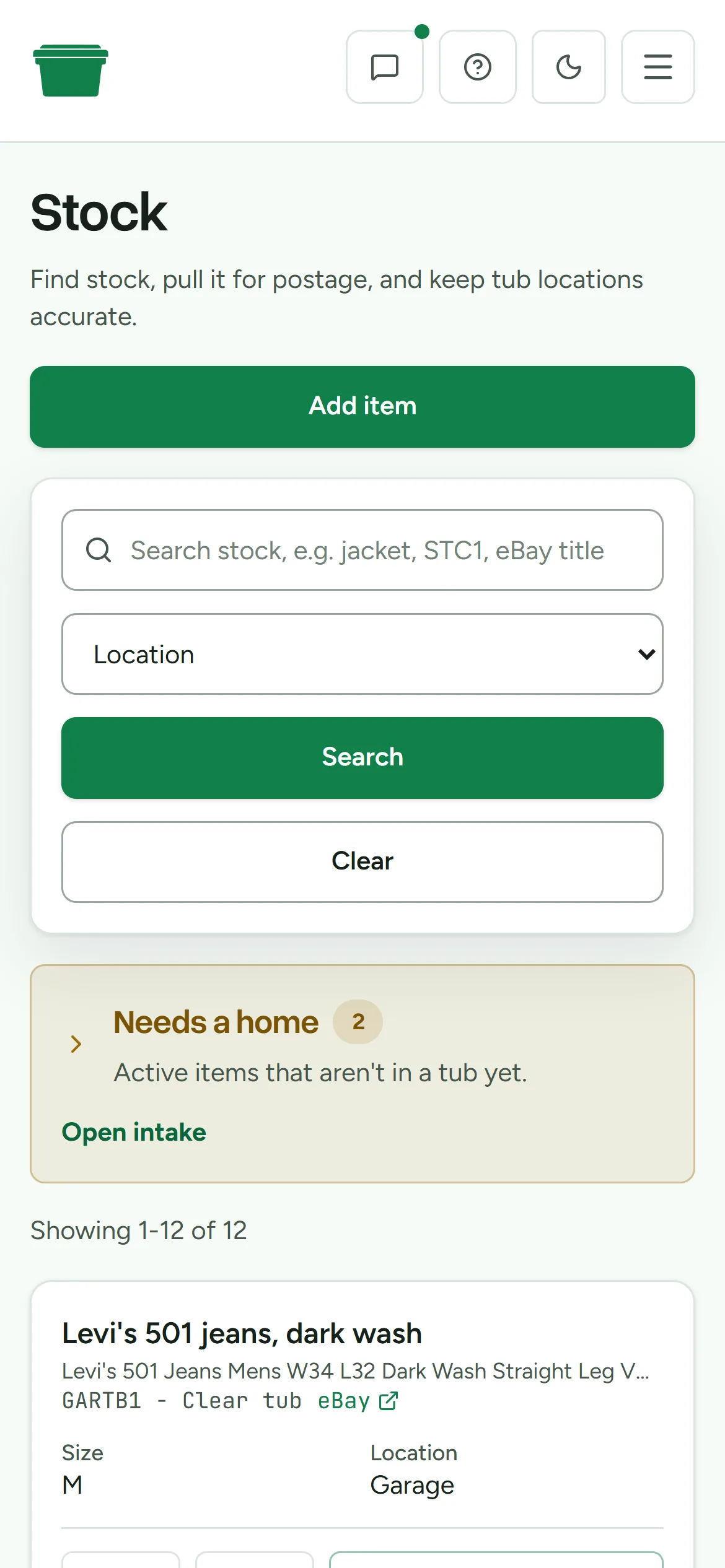
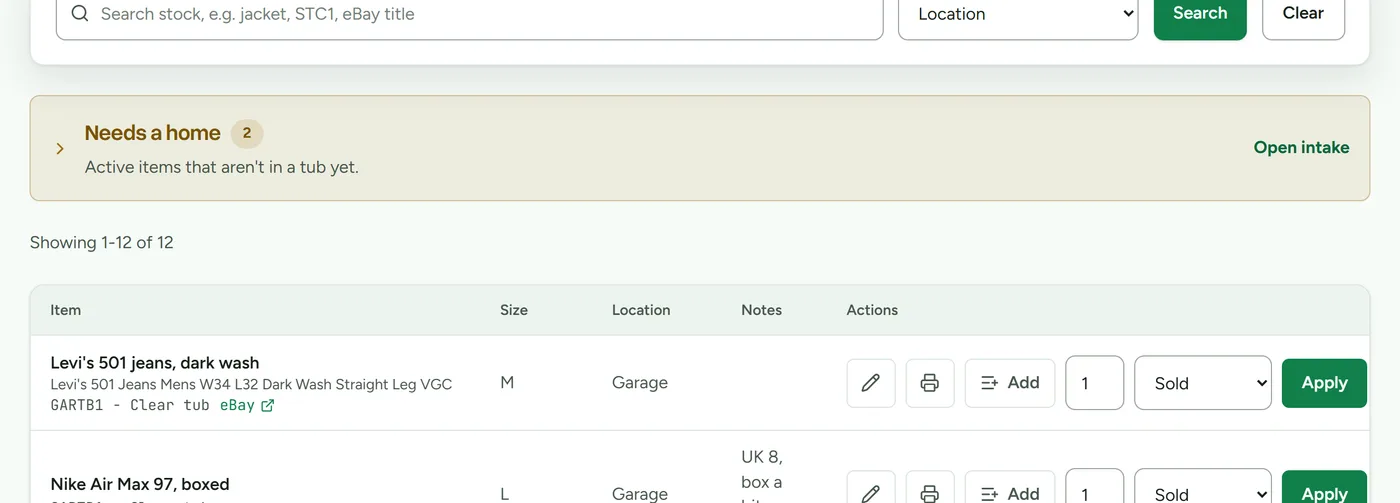
Search and sort your stock by name, location, size, or quantity. Every item shows exactly which tub it lives in, with its listing a click away.
The answer to "where is it" stops being a dig through boxes and becomes a two second lookup.
03 · QR labels
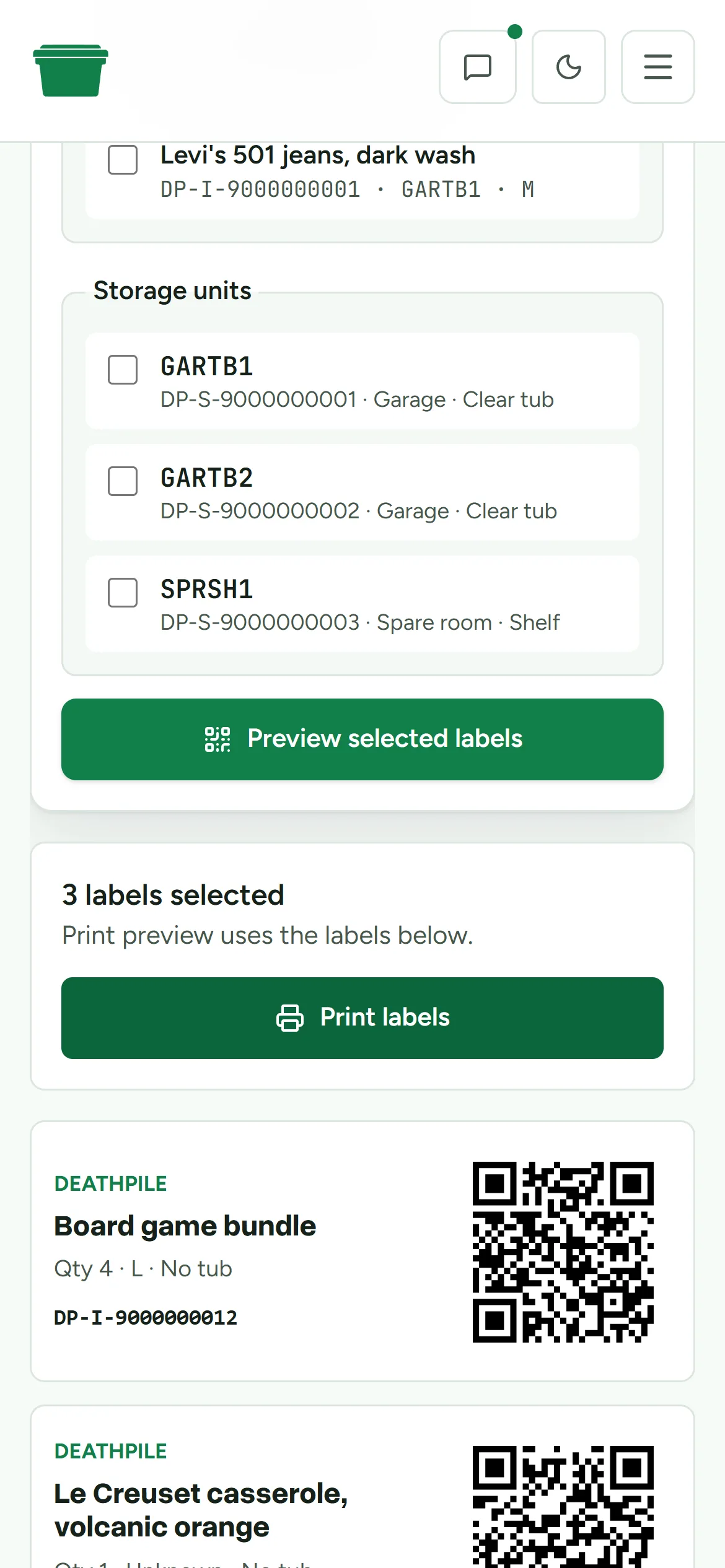
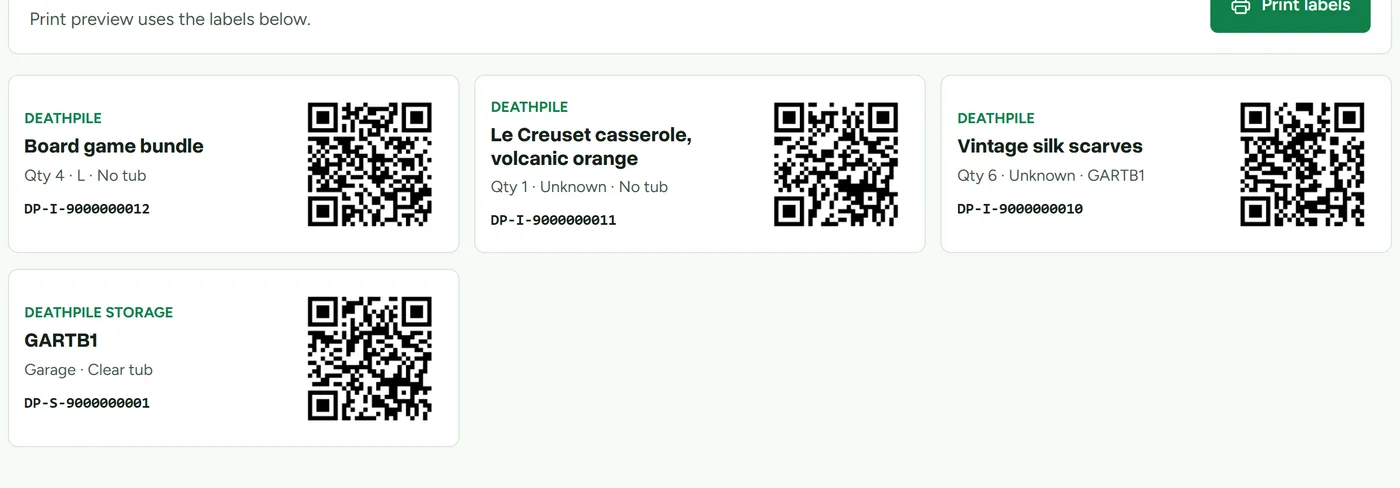
QR labels for items and tubs.
Print labels for your stock and your storage straight from the browser. Every item and every container gets a scannable code, so nothing is identified by memory.
Stick one on the tub, one on the item, and the two never lose each other again.
04 · Mobile pick and scan
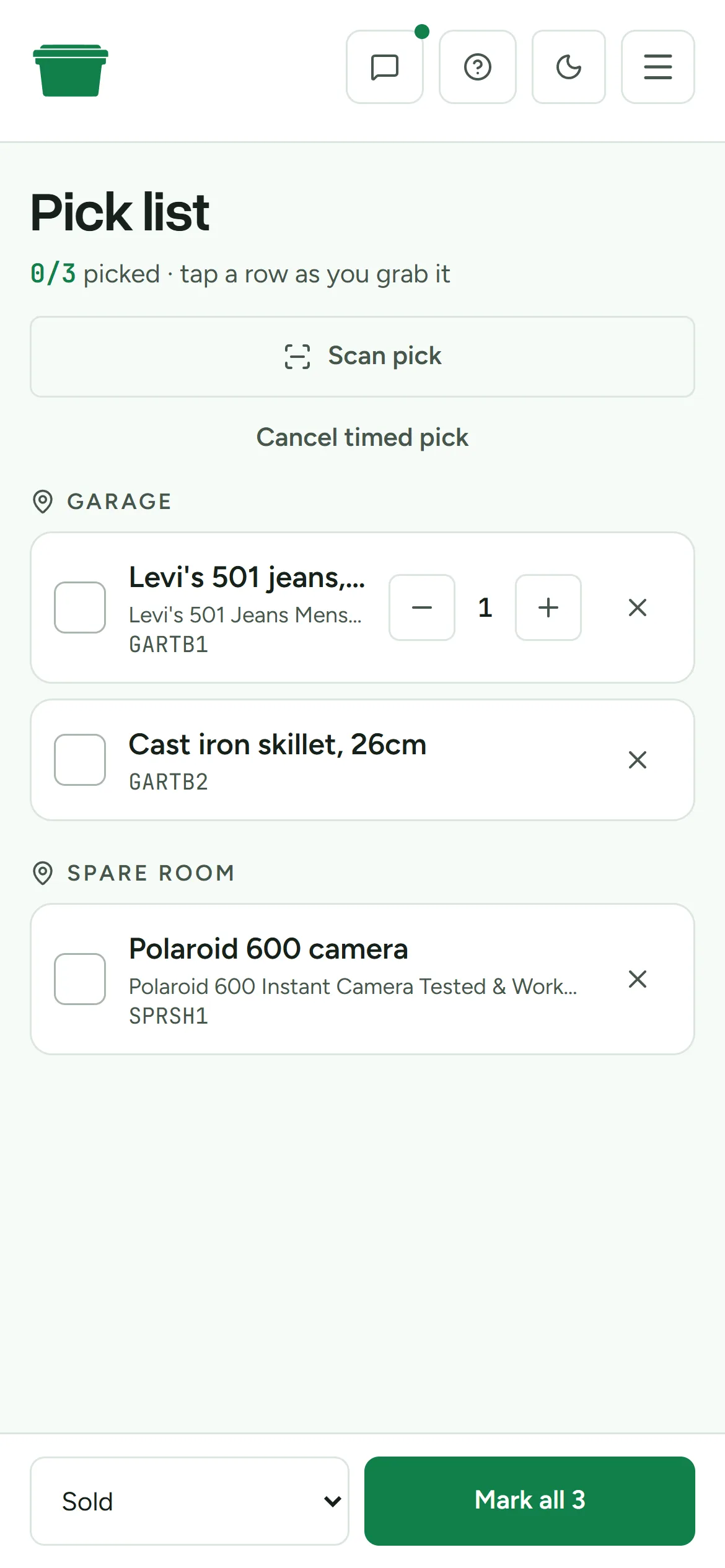
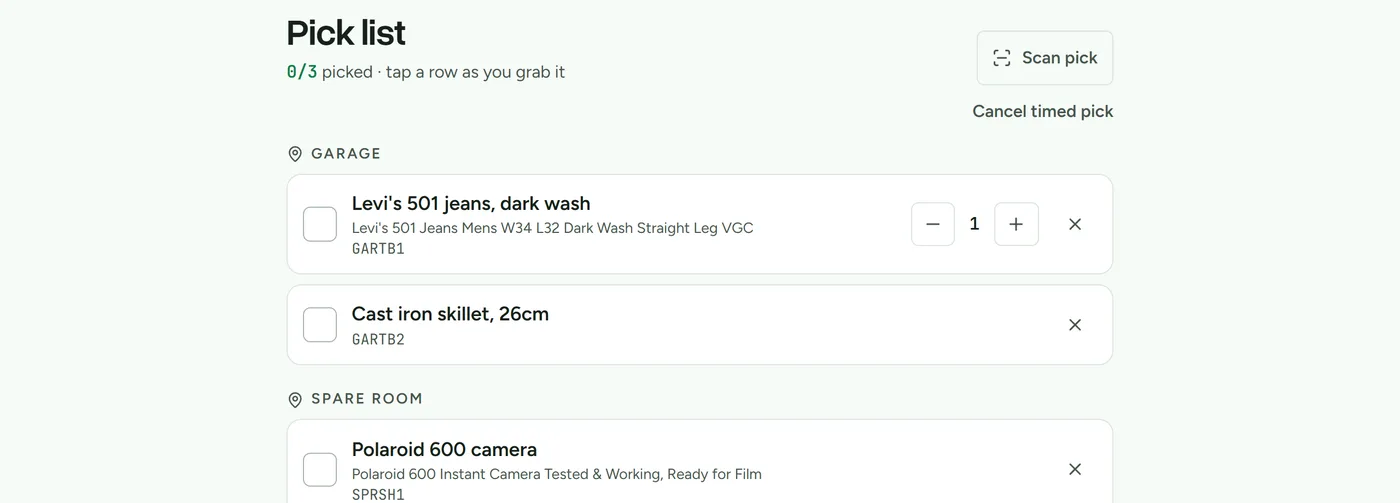
Pick and dispatch from your phone.
Anything you've marked sold, or a marketplace has confirmed as fulfilled, sits at the top with the tub it's in until you've actually got it. The count can change automatically. The item doesn't move until you move it.
Scan the item and its tub to confirm you've grabbed the right thing before it ships. Wrong label, no dispatch. The refund-because-you-lost-it problem simply stops happening.
05 · Marketplace sync
Your listings, tied to your stock.
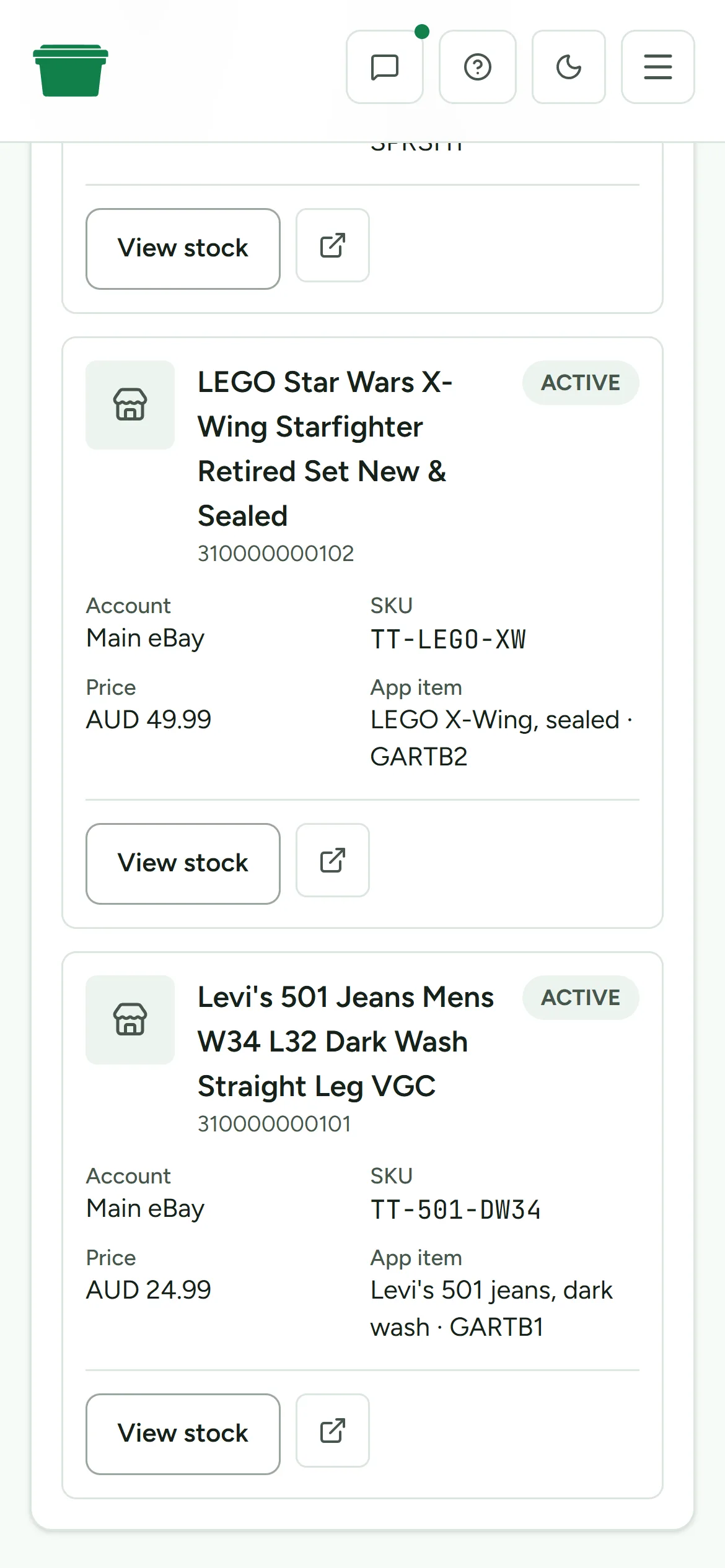
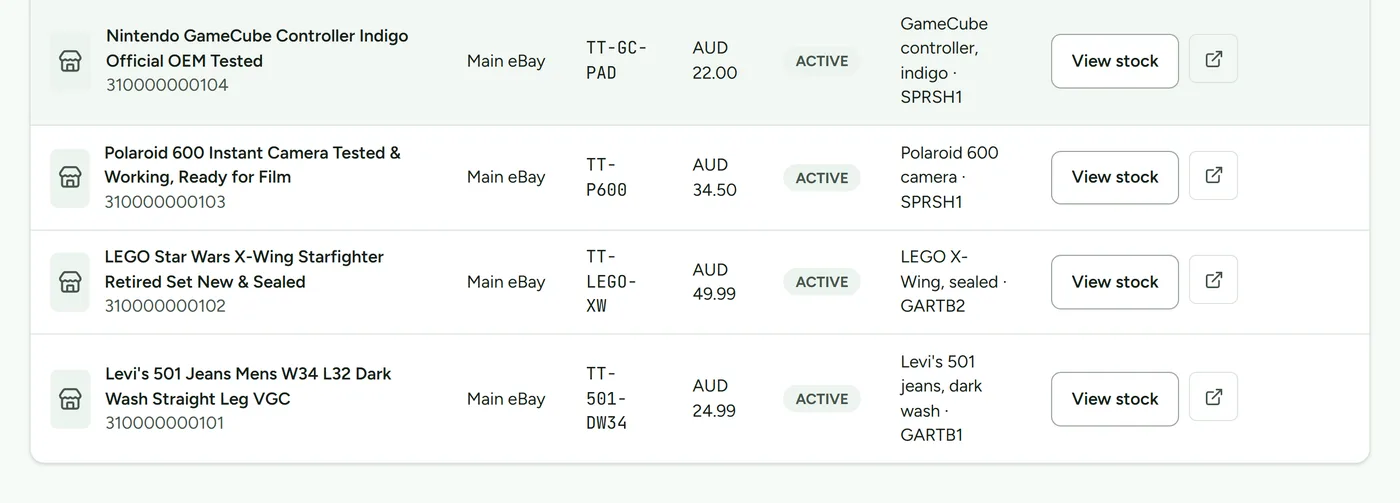
Connect eBay and Shopify to import your listings and match them to physical items, so you can see at a glance what's listed, where it lives, and what's still waiting in the pile.
When the last physical unit sells, Deathpile keeps the linked listing on the other marketplace visible until you resolve it. Turn on assisted listing removal and you can end it there before things get awkward.
06 · Full history
Every move is on the record.
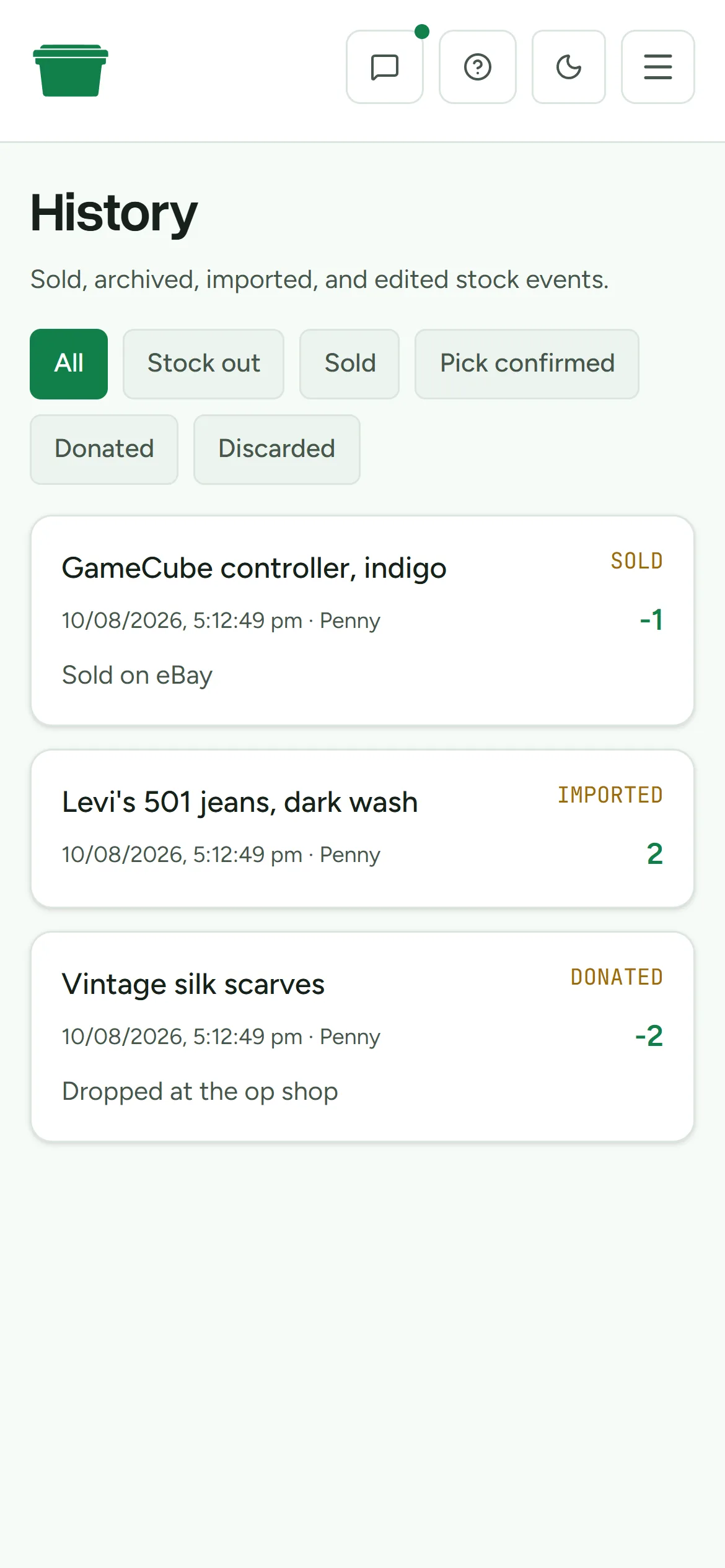
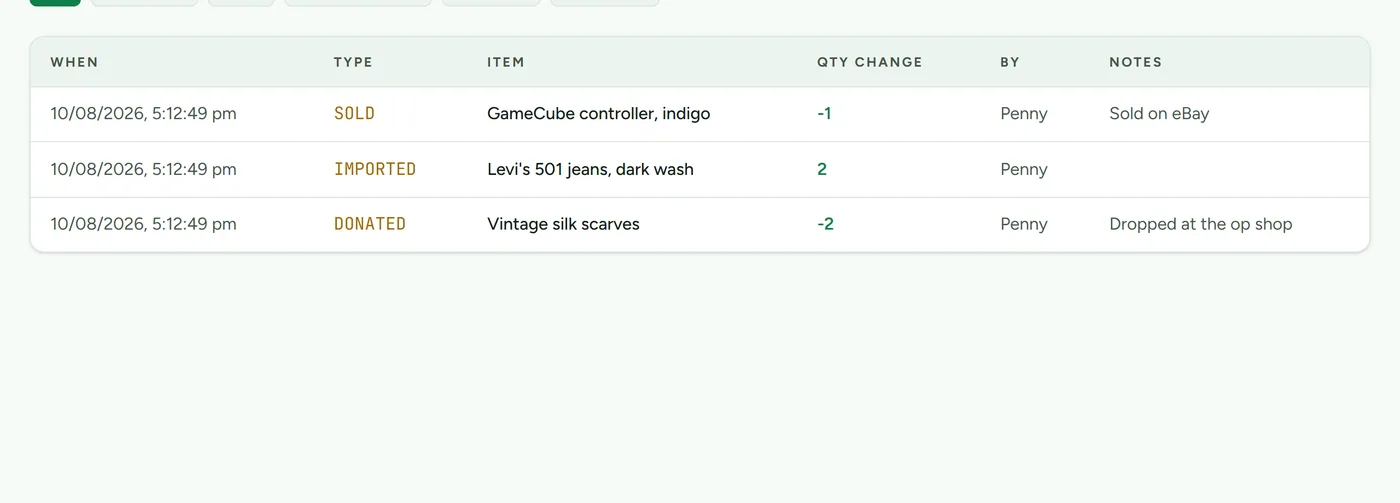
Sales, imports, donations, counts, and edits are all logged with who did them and when. When stock ends up somewhere surprising, the history tells you how it got there.
Next time something sells, you will know exactly where it is.
Fourteen days free. No card, and the clock only starts when you do.