QR labels
QR labels for items and tubs.
Print labels for your stock and your storage straight from the browser. Every item and every container gets a scannable code, so nothing is identified by memory.
Stick one on the tub, one on the item, and the two never lose each other again.
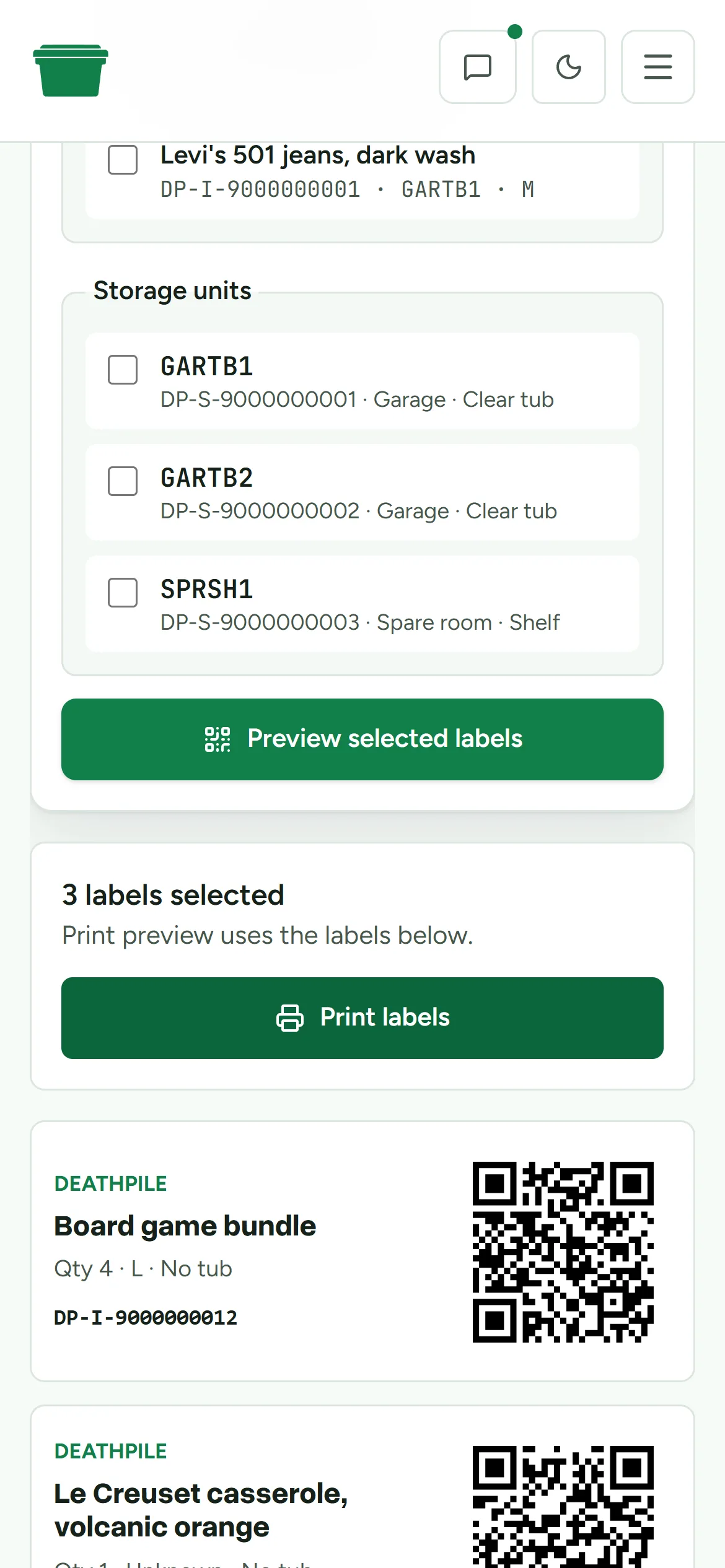
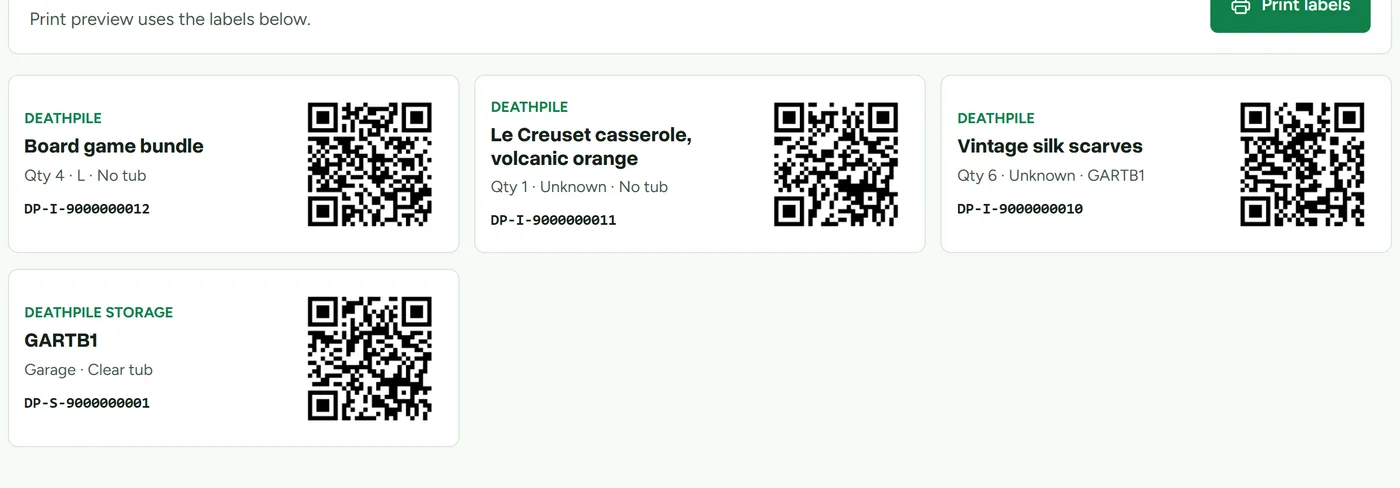
Every item and every storage unit in Deathpile carries a stable scan code. The Labels page lets you search your stock, pick what needs labelling, preview the labels, and print them from the browser. No label printer required, though one helps.
Labels carry the item name, quantity, size, and tub alongside the QR code, so they're readable by humans too. Scanning one resolves straight to the item or tub it belongs to, which is what makes scan-confirmed picking possible.
What you get
- QR labels for stock items and storage units
- Search, select, and preview labels before printing
- Print from the browser with print-ready styling
- Human-readable name, quantity, size, and tub on every label
- Stable codes that keep working as items move between tubs
Next time something sells, you will know exactly where it is.
Fourteen days free. No card, and the clock only starts when you do.