Stock search
Find anything the moment it sells.
Search and sort your stock by name, location, size, or quantity. Every item shows exactly which tub it lives in, with its listing a click away.
The answer to "where is it" stops being a dig through boxes and becomes a two second lookup.
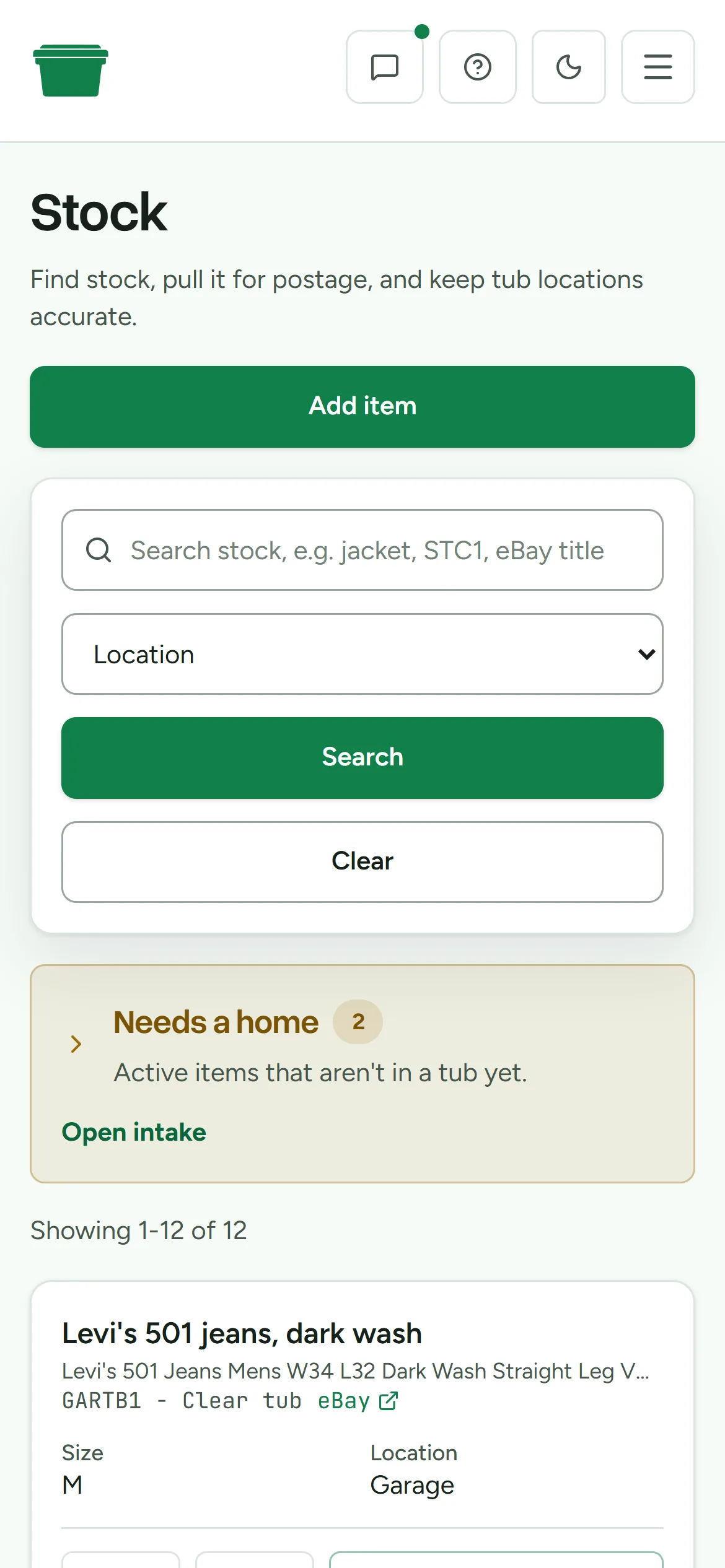
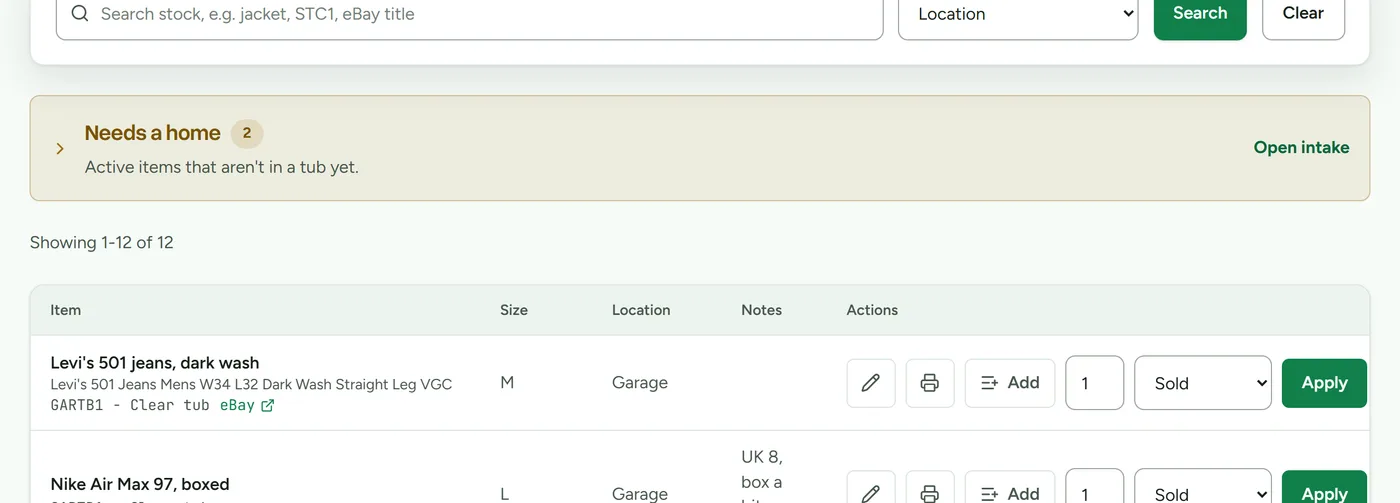
Search matches names, tub codes, and eBay titles, so whatever fragment you remember is enough. Sort by location to walk the shelves in order, by size to plan packing, or by quantity to spot bundles.
Items that haven't been placed yet sit in a visible "needs a home" queue at the top of your stock, so the unplaced backlog never hides. A buyer question about an item you listed months ago becomes a lookup, not an expedition.
See the eBay inventory workflowWhat you get
- Search by item name, tub code, or eBay listing title
- Sort by recently updated, name, location, size, or quantity
- Every row shows the tub, the size, notes, and the linked listing
- A dedicated queue for active items that aren't in a tub yet
- Duplicate checks that flag when a new item looks like existing stock
Next time something sells, you will know exactly where it is.
Fourteen days free. No card, and the clock only starts when you do.