Jackets in one tub and shoes in another looks organised. It also leaves you with a decision every time a category tub fills up. Is a Nike windbreaker outerwear, sportswear or vintage? The answer changes depending on where there is room.
A simpler system lets the item go into any suitable free space, then records the exact location. The record does the remembering.
| Category-only storage | Recorded location storage |
|---|---|
| Put similar items together | Put the item in a suitable tub with room |
| Remember the category choice later | Read the room, container and number from the record |
| Rearrange when one category grows | Add another numbered container without moving the others |
| Search several likely tubs when the rule has changed | Go to one recorded location |
Set up the physical storage
You don't need matching tubs or a warehouse-style numbering plan. You do need labels that stay put.
- Name each location. Use the words you already use: garage, spare room, shed, storage unit.
- Name the container type. Clear tub, shelf bin, drawer and hanging rack are all fine.
- Number each container.
Garage / Clear tub / 7is enough. - Put the same name in the record. The spreadsheet or app should match the label you can see.
Use categories where the stock needs different handling. Shoes, fragile items, hanging clothes and high-value stock may need their own physical area. The point isn't to mix everything without thought. It is to stop category names being the only way to find an item.
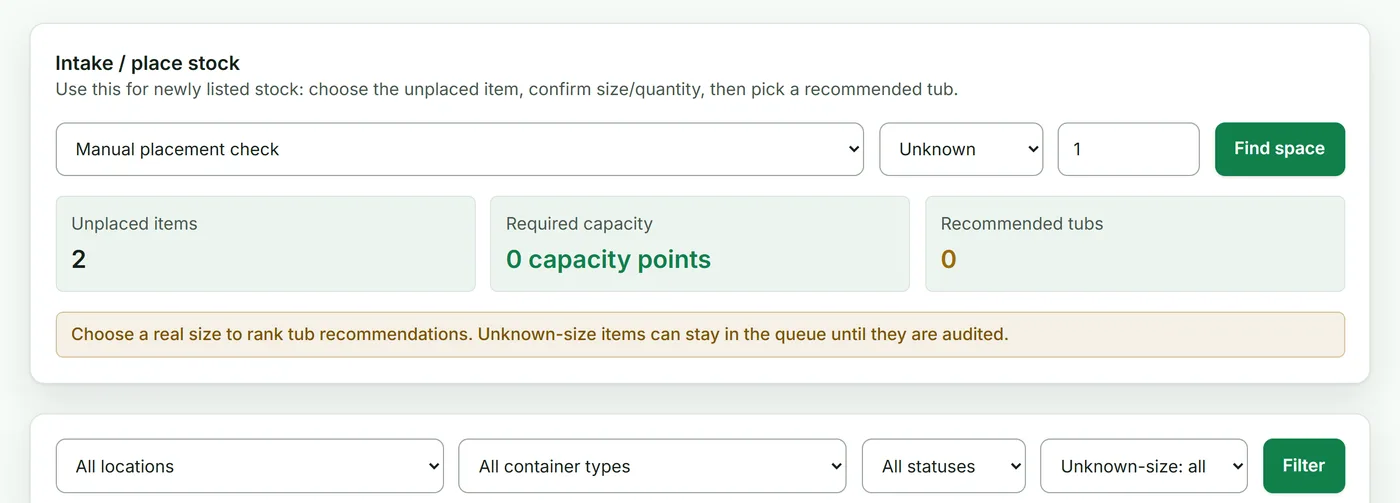
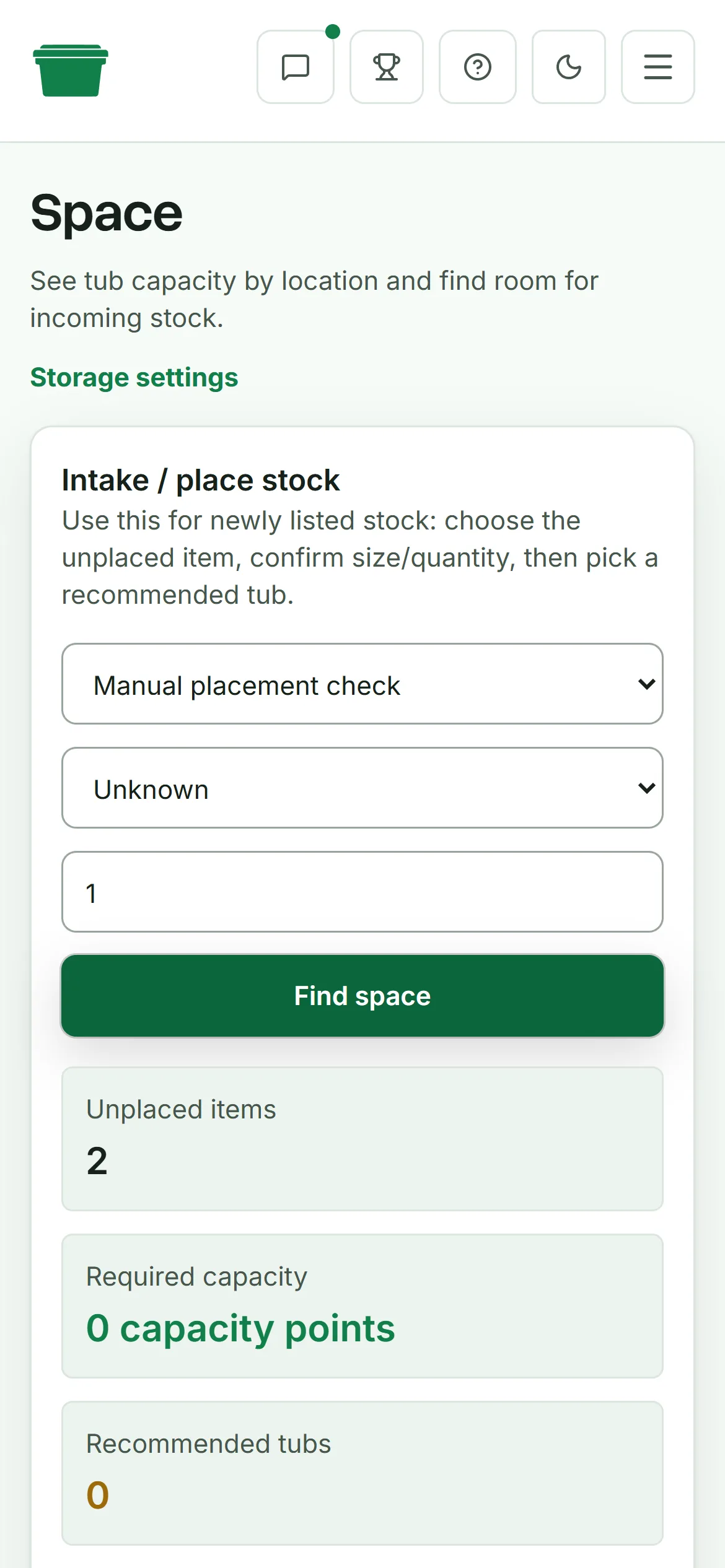
Make placement part of intake
Put-away needs to happen while the item is in your hand. If it is waiting for photos, measurements or a small repair, give that waiting area a name and keep it visible.
If the waiting area has become a mixed pile, the guide to working through a deathpile breaks it down by the next job.
A workable intake record only needs:
- a clear item name
- quantity
- location
- container type and number
- size or a short note when it helps distinguish the item
When the item is listed, add the marketplace item number or listing link. That joins the online listing to the physical location without relying on an unexplained internal code.
Check one container at a time
Choose a tub, empty it and compare every item with the record. Fix that tub completely before starting the next one. This gives you a finished section of stock you can trust, even if the rest still needs work.
After that, test the system with sold items or ten actual live listings. Someone who didn't put the stock away should be able to find each item from the record alone.
A spreadsheet can handle this well for a small, steady catalogue. The eBay organisation guide shows how to connect the listing once the storage is in place. Dedicated inventory software starts helping when items move frequently, several people share the work, or you want labels and scan-confirmed picking. The storage method itself stays the same: give the item a place, record the place, and update it when the item moves.