eBay knows which listing sold. It doesn't know that the actual item is in a clear tub at the back of your garage.
That part is up to your stock record. The record can be a spreadsheet or an inventory app. What matters is that it uses the same names as the labels on your shelves and tubs.
Record enough to find the item again
Start with the details that help you put stock away and retrieve it. You can add purchase costs and sales figures later if you want them.
| Record | Example | Why it matters |
|---|---|---|
| Item | Levi's 501 blue jeans | Clear enough to recognise at pick time |
| Quantity | 1 | Stops bundles and multiples being treated as one item |
| Location | Garage | Gets you to the right part of the property |
| Container and number | Clear tub 7 | Gets you to the physical item |
| eBay item number or listing link | The live listing | Ties the online sale to the stock record |
| Notes or size | W32 L30 | Helps when several items look alike |
Keep the names literal. If the label says Garage / Clear tub / 7, use those words in the spreadsheet. Avoid codes that need their own instruction manual.
Name the storage before you fill it
Walk through the space and label what is actually there. A small setup might be:
- Garage: clear tubs 1 to 12
- Spare room: shelf bins 1 to 6
- Hall cupboard: shoe boxes 1 to 4
Give each container one stable number. Don't reuse that number while the old container still exists, and don't renumber the room because a new tub fits between 4 and 5. Add tub 13 instead.
Category labels can still help when you browse the room, but they shouldn't be the only location record. The boundary between jackets, sportswear and vintage gets fuzzy as soon as a container fills up. A numbered tub doesn't ask you to make that judgement. The reseller storage guide covers that placement method in more detail.
Put the location in during intake
The record works when placement is part of the job, not something left for later.
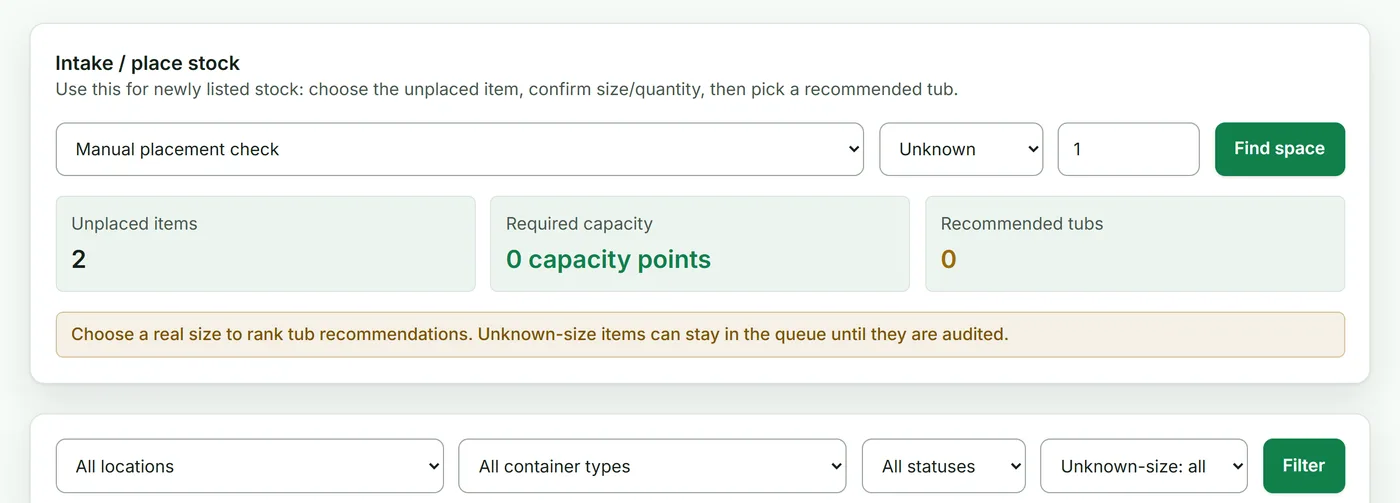
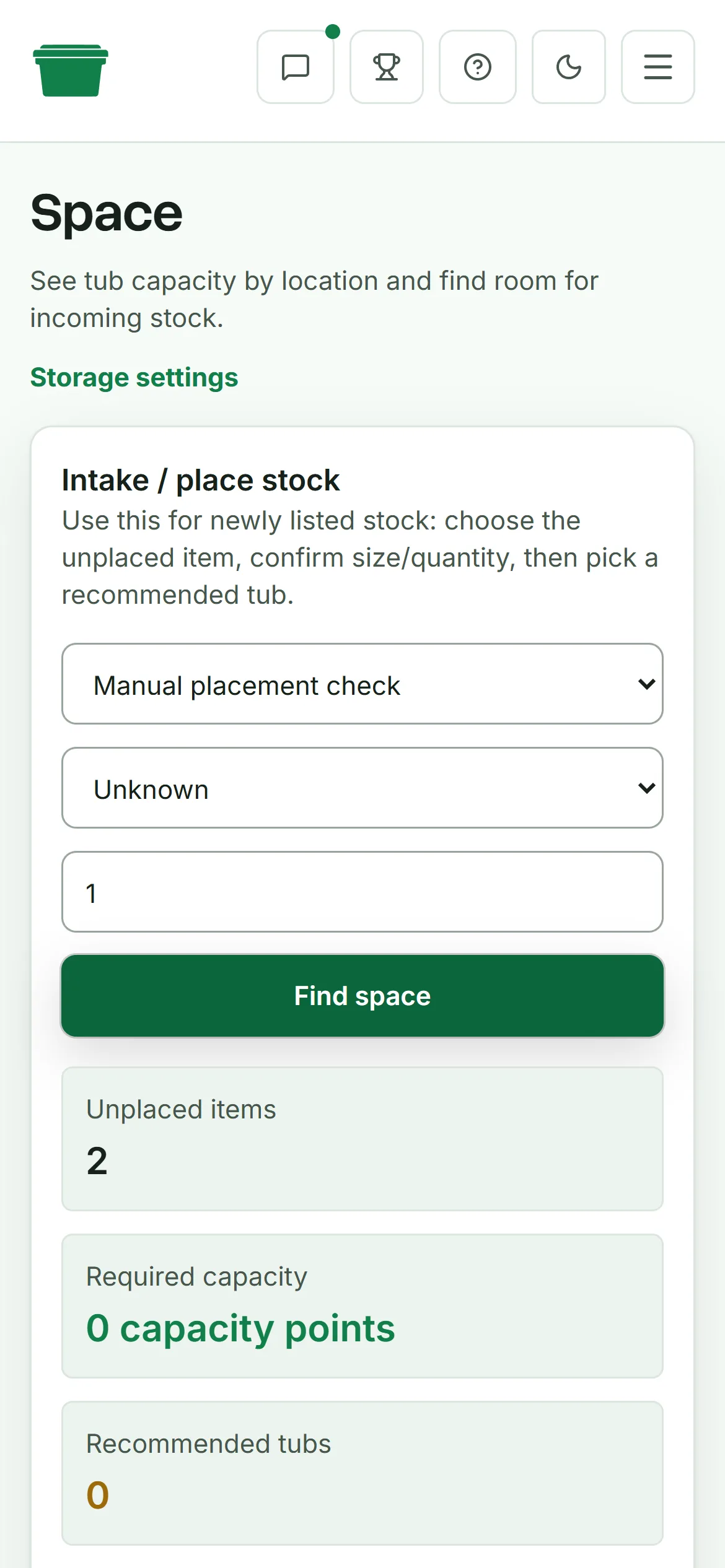
- Create or find the item record.
- Choose a tub with room.
- Put the item in that tub.
- Add the eBay item number or listing link when the listing is live.
If an item is waiting for photos or measurements, give the intake pile its own visible location. Spare room / To list is a valid temporary location if everything in it is actually waiting to be listed. A pile with no name is where the record starts to fall behind.
For labels, use large text that can be read while standing in front of the shelf. QR labels are useful once you want to scan items and tubs, but the printed tub number should still be obvious without a phone.
Check it with stock you already have
Don't reorganise the whole room and assume the system works. Test it first.
- Pick one tub and compare every item with the record.
- Check ten actual live listings and confirm each item is in its recorded location.
- Ask someone else to find three items using only the spreadsheet or app.
- Fix unclear names before adding more stock.
Reconcile one tub at a time after that. A complete check of one container is easier to finish and easier to trust than a half-finished count of the whole garage.
Decide how much system you need
| A spreadsheet is probably enough when | Dedicated software starts helping when |
|---|---|
| One person handles the stock | More than one person puts stock away or picks it |
| Items rarely move between containers | Items move often and the location record falls behind |
| The catalogue is small enough to check quickly | A sold item still starts a search through several tubs |
| You keep the sheet current as part of intake | You want labels, mobile picking or a history of stock changes |
Deathpile is built for the second column. It ties marketplace listings to physical items, locations and tubs, then keeps sold stock visible while you pick it. It doesn't replace Seller Hub or create listings. The eBay inventory management page shows the full workflow and where its job stops.
If the decision is whether to keep the spreadsheet, the spreadsheet alternatives guide gives you a ten-listing test before recommending any change.
Start with one location. If you can put ten items away and retrieve them using the record alone, keep going. If you can't, change the naming before you buy more tubs.