9 August 2026
eBay Inventory Spreadsheet Alternatives: What to Use When the Sheet Stops Working
Nearly every reseller spreadsheet has a location column. Tub 7. Bin A3. Bag 112. It is the column you were proudest of when you built the sheet, and it is the first one you stop trusting.
Here is how that goes:
- Something sells on Sunday night.
- The sheet says tub 7.
- Tub 7 does not have it.
- Twenty minutes later you are writing an apology and clicking refund.
Nothing in the spreadsheet was wrong, exactly. It was out of date, and it had no way of telling you.
The short version
- A spreadsheet is the right place to start. Free, flexible, yours. Plenty of resellers run one for years.
- It breaks in four specific places, and none of them are the ones most guides talk about.
- The failure is silent. A sheet does not go wrong loudly. It drifts, and the first symptom is a refund.
- Judge any replacement on four things: a real home for every item, a link from listing to location, physical pick confirmation, and a phone that works in a garage.
- You may not need to switch at all. There is an honest test at the bottom.
Why resellers start with a spreadsheet, and why that's the right call
Spreadsheets get an unfair kicking in posts like this, so let's be straight about it: starting on a sheet is the correct decision for most people.
- It costs nothing and it bends to whatever weird thing your business does.
- Nobody has to approve a column. Add one when you need it.
- The maths is instant. Cost of goods, fees, margins, all four seconds away.
- It works offline, and the data is unambiguously yours with no export button required.
Doing 20 or 30 sales a month on one marketplace with a tidy sheet? You have no reason to change.
The sheet is not the problem. The problem is that a spreadsheet is a record of what you typed, and physical stock is a fact about the world. For a while those two stay close together. Then they drift.
The four places an eBay inventory spreadsheet actually breaks
Most guides on this topic talk about scale: too many SKUs, too much manual fee maths, too much copy and paste. All real. None of it is what causes the refund. These four are.
1. It only knows what you last told it
Every row is a claim about the past, not a fact about the present.
- You pull an item out to re-photograph it and put it back in a different tub. The sheet does not know.
- Your partner grabs something for a market stall. The sheet does not know.
- You reorganise the garage on a Saturday. The sheet does not know.
Nothing turns red. Nothing warns you. The row keeps confidently saying tub 7 for as long as you leave it there. A spreadsheet cannot be out of date loudly, only silently, which is worse, because you keep trusting it right up until it costs you a sale.
2. It doesn't know your listings exist
eBay knows what is currently for sale. Your sheet knows where things are, in theory. Nothing connects the two except you, by hand, forever.
Every relist, every ended listing, every price drop, every item you pulled to re-shoot is another manual edit. Manual edits are the first thing you skip when you are busy. Sell on eBay plus Depop or Vinted and you are now the sync layer between three systems, none of which talk to each other.
3. It can't confirm anything physically
There is no scan, no label, no check.
Your sheet cannot tell you that the black Nike hoodie in your hand is the size M you sold rather than the size L in the same tub. It cannot stop you posting the wrong one. Every reseller who has shipped a near-identical item to the wrong buyer did it while looking at a perfectly correct spreadsheet.
4. It's unusable where the stock actually is
Your inventory lives in a garage, a shed, or a spare room. A 14-column sheet on a phone in a cold garage is a pinch-zoom nightmare, so you tell yourself you will update it when you come back inside. Sometimes you do.
That moment, standing in the garage deciding not to open the sheet, is what causes failure number one. The location column does not go stale because you are disorganised. It goes stale because updating it is hardest at the exact moment it changes.
What that adds up to
A spreadsheet does not fail on the day you outgrow it. It drifts quietly for months, and the first real symptom is a refund.
On eBay that costs more than the sale. A cancellation because you cannot find the item is a defect against your seller metrics, a risk to Top Rated status, and a buyer who does not come back. It is the most avoidable loss in reselling, and it is almost always caused by a pile that outgrew its record. We wrote separately about why that pile builds up in the first place, because the sheet is usually the symptom rather than the cause.


What an alternative actually has to do
The temptation is to shop for more columns: profit margins, fee calculators, ROI dashboards. Useful things. None of them get you to the item on Sunday night.
Judge any alternative on four questions instead.
- Does it give every item a physical home? Not a free-text note. An actual location the system understands, so you can ask "what is in the garage" and "which tubs have room" and get real answers.
- Does it tie that home to the listing? The question you ask under pressure is never "where is item 4471". It is "where is the thing that just sold". If a tool cannot start from your live eBay listing and end at a tub, it has not solved your problem.
- Can it confirm the pick physically? Labels and scanning are the only things that turn "I am fairly sure this is the right one" into certainty. Wrong label, no dispatch.
- Does it work on a phone, standing up, in bad light? If updating stock is not easier than not updating it, you will not do it, and you are back to a stale location column with extra steps.


The alternatives, honestly
A better spreadsheet. Good paid templates exist, along with plenty of free Google Sheets ones.
- Fixes: your maths, fee tracking, dashboards.
- Does not fix: the location column. No template can make a cell notice that a jumper moved.
Bookkeeping and accounting tools. Seller Ledger and similar import your eBay sales and sort out cost basis, fees, and tax time.
- Fixes: "did I actually make money on that".
- Does not fix: "where is it".
Cross-listers. Vendoo, List Perfectly, Crosslist and the rest: write once, post everywhere, de-list when something sells.
- Fixes: listing in volume. If you list a lot, keep yours.
- Does not fix: anything after the sale comes in, which is exactly when your problem starts.
A physical stock system. Locations, tubs, labels, scanning, and a link between the item on the shelf and the listing on eBay.
- Fixes: the location column, properly.
- Does not fix: listing, pricing, or your tax return.
These stack rather than compete. A cross-lister for listing, a bookkeeping tool for tax, and a stock system for finding things is a completely sensible setup. The mistake is expecting one of them to cover all three. If you want the full breakdown, we compared the categories in cross-listers, inventory apps, or a spreadsheet.
Moving off the spreadsheet without losing a weekend
The dread here is real, and it is what keeps people on a broken sheet for another six months. It is a smaller job than it looks if you do it in this order.
1. Name your locations before you touch a single item
Garage, spare room, storage unit, shelf B. Decide what your containers are called and how many you have. Almost everyone who finds a migration painful skipped this and tried to invent the structure while typing item 300.
2. Reshape the sheet, do not rebuild it
Cut a copy down to six columns: item name, quantity, location, container type, tub number, and notes. Size is optional. That is the whole import format, and it is deliberately boring.
One thing worth knowing up front, because it saves you an annoying half hour: there is no magic eBay CSV path. eBay's own exports are built for listings and orders, not physical storage, so no tool can guess which tub something is in. Reshaping your own sheet is the honest short way through.
3. Import, then label, then reconcile
Bring the sheet in, print QR labels for your items and your tubs, and stick them on.
- This is the afternoon's real work.
- It is also the part that permanently ends the drift problem, because from here the label is the source of truth.
- Anything the sheet was wrong about surfaces while you are labelling, which is the cheapest possible time to find out.
4. Connect eBay last
Read-only sync pulls your active listings in and you match them to the stock you just placed. Anything unmatched waits in a queue instead of vanishing. Do this once your tubs are real and it takes minutes.


Give yourself an afternoon, not a weekend, and do not try to clear your unlisted backlog at the same time. Those are two different jobs, and combining them is why the heroic weekend approach usually fails.
So do you actually need to switch?
Be honest about which of these you are.
- Low volume, one marketplace, tidy spare room. Stay on the sheet. Genuinely. Come back when finding things starts costing you time or refunds.
- High volume across several marketplaces. Keep the cross-lister for listing and add something that owns physical location. Different problems, and they stack well.
- You have refunded a sale because you could not find the item. That is the signal. It will happen again, and no template fixes it.
Deathpile is built for that third case, and only that case:
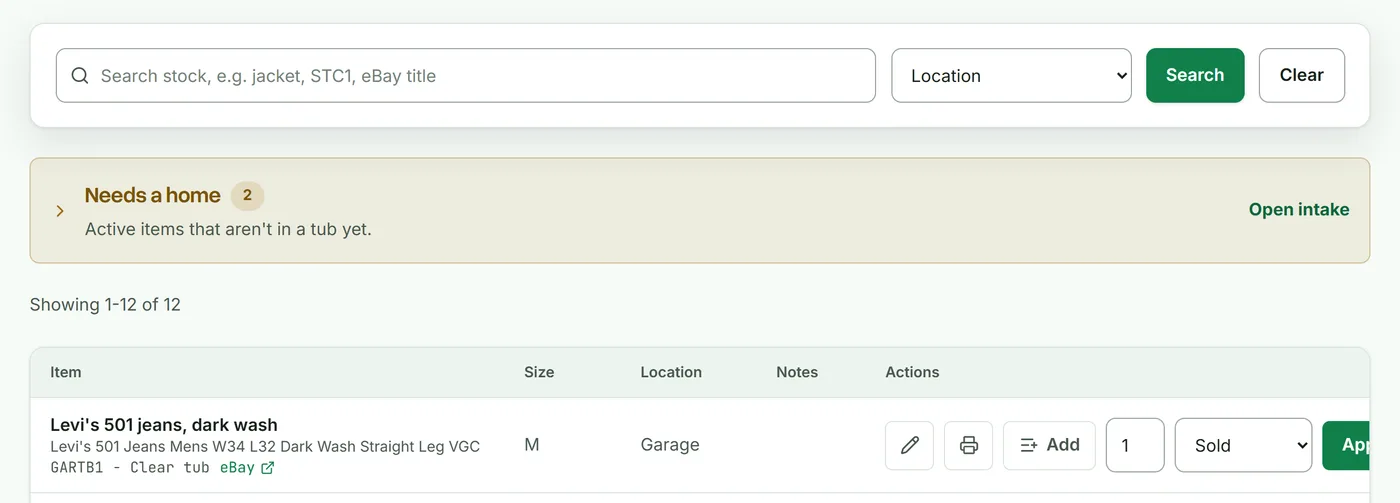
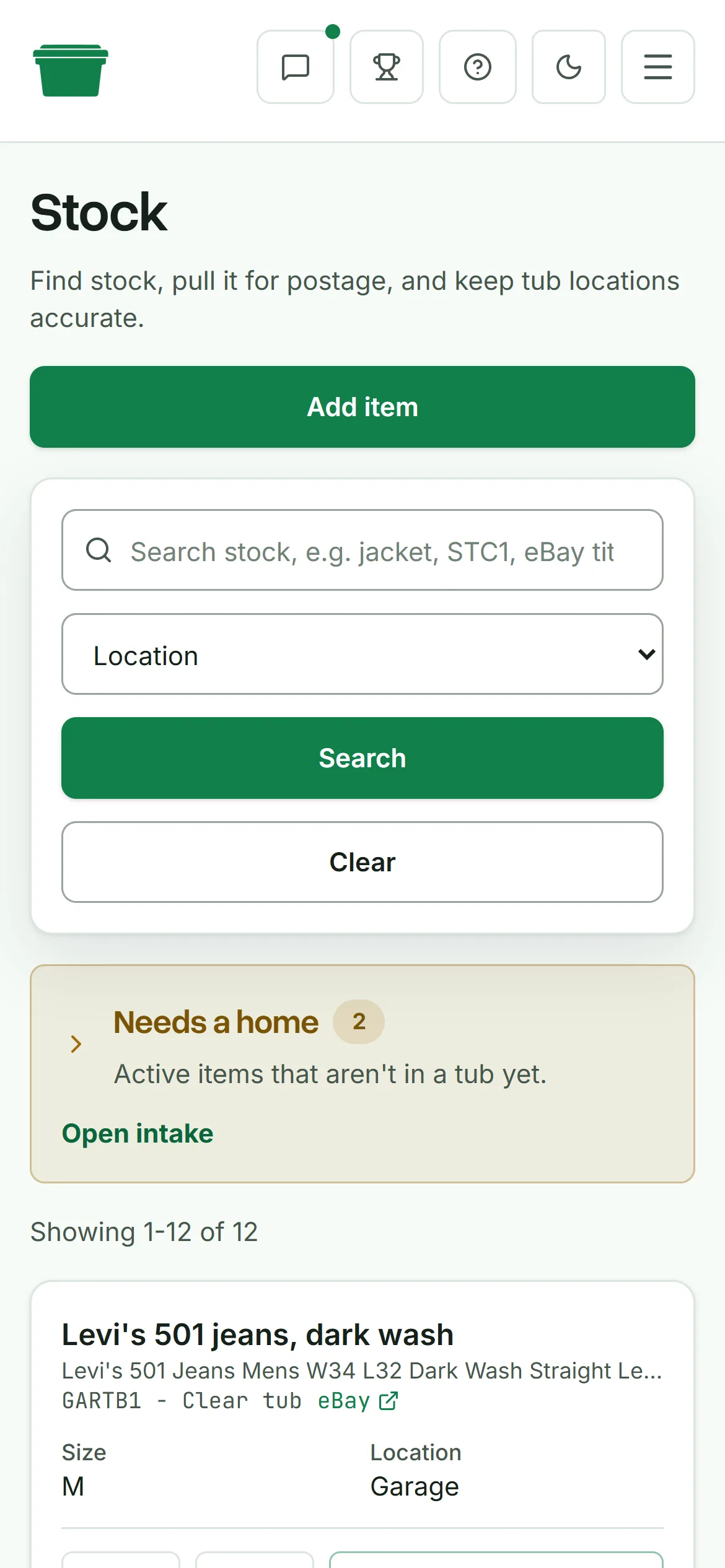
- Every item gets a tub, a shelf, and a location you named, so finding stock is a lookup rather than a dig.
- QR labels go on your items and your tubs, so picking is scan-confirmed and the wrong item cannot go out the door.
- Read-only eBay and Shopify sync ties real listings to real tubs, including listings made the normal way through Seller Hub rather than an API.
- It does not cross-post, by design, because a good cross-lister already does that better.
The sheet was never the enemy. A location column nobody can keep current is. Give every item a home you can find again, and a sale becomes a two minute pick instead of a twenty minute dig.