A death pile, also written deathpile, is a reseller's backlog of acquired inventory that hasn't yet been fully processed, organised or listed for sale. It might be an op-shop bag by the desk, several tubs in the garage or a room that was meant to be temporary storage.
Deathpile, the inventory software, takes its name from this reseller term. The backlog itself needs a practical process before any tool can help.
The stock isn't useless. It's simply waiting for the work that turns it into a live listing: checking, cleaning, measuring, photographing and writing the listing.
Why the pile grows
Sourcing can happen faster than cleaning, measuring and listing. A good buying day adds stock at once; the work afterwards needs space, time and several separate steps. If the photo area is full or the next job isn't clear, new purchases join the same waiting pile.
Bought, unlisted and organised describe different things. An unlisted item can already have a recorded tub and a clear next action. A listed item can still be hard to find. Keep listing status and physical location separate, so publishing the listing doesn't make unfinished storage work disappear.
Find the step holding things up
A large pile is usually several smaller jobs mixed together. Split the stock by its next action rather than by broad category.
| What is stopping the item? | Put it here | Next action |
|---|---|---|
| Needs cleaning or a minor repair | Prep tub | Finish the repair before it reaches the photo area |
| Needs measurements | Measurement basket | Measure a small batch together |
| Ready for photos | Photo queue | Photograph before the queue grows again |
| Photos are done | Listing queue | Write and publish the listing |
| Listing is live | Numbered storage | Record the exact location and put the item away |
Keep each waiting area visible and small enough to finish. A single mixed pile hides the next action. Four labelled queues show you exactly where the work has stopped.
Work in finished batches
Choose a batch you can take all the way through. Ten similar items is often easier than touching fifty items and leaving all of them half done.
- Pick one batch from the pile.
- Clean, measure and photograph it.
- Create the listings.
- Put each listed item into a numbered location and record it.
Don't buy new tubs before naming the ones you already have. More containers can make the room look tidier without making any item easier to find.
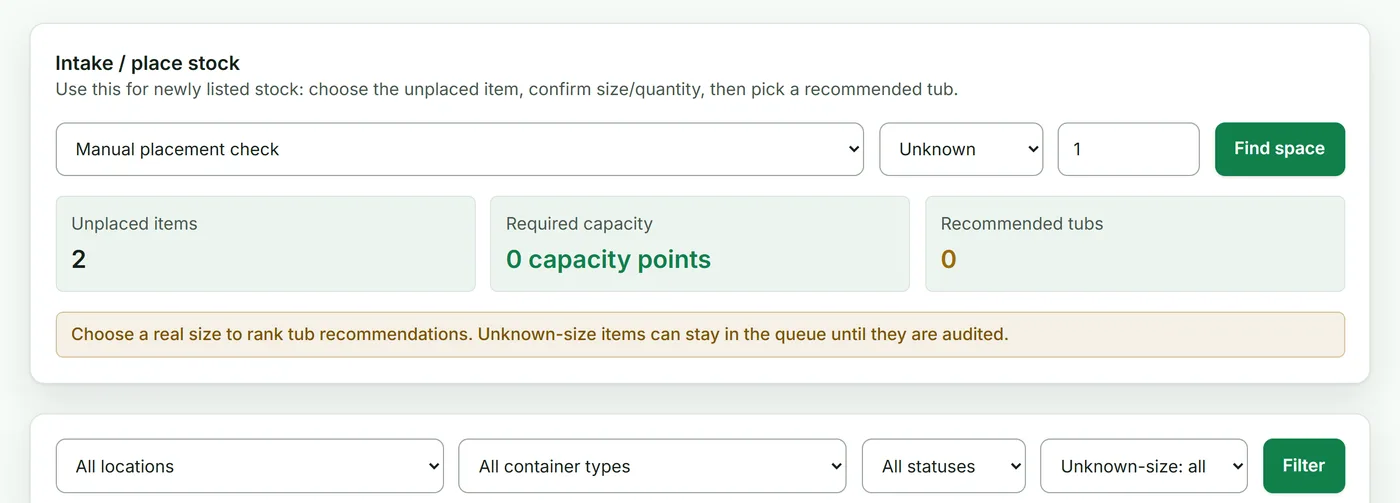
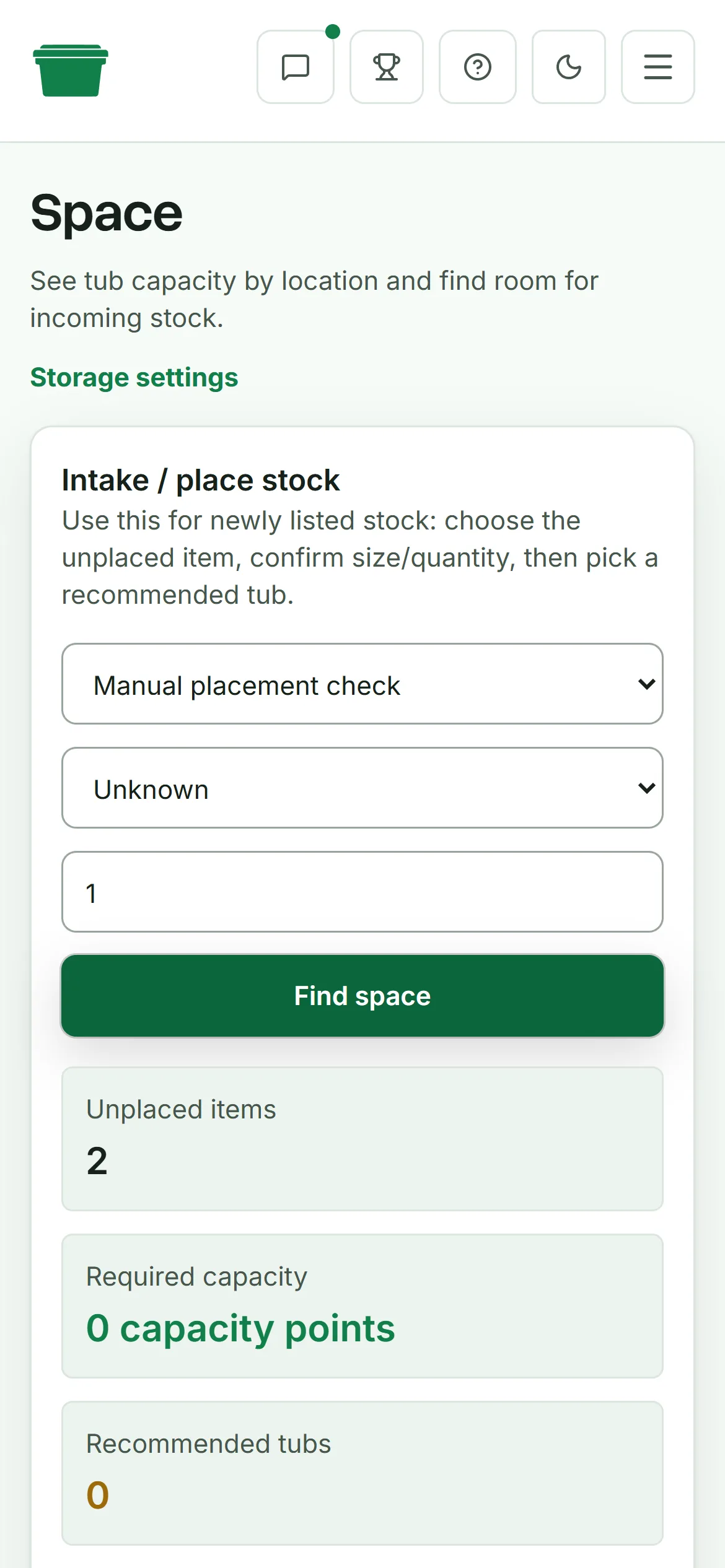
What a controlled deathpile looks like
You may always have some unlisted stock. The useful distinction is whether you know what is waiting and what happens next.
A controlled pile has:
- a clear intake area
- small queues for cleaning, photos and listing
- no listed stock sitting without a location
- a regular batch that moves from bought to listed and put away
- fewer new purchases when the intake queues are already full
Once an item is listed, the job changes. It needs a stable physical location that can be found after a sale. A spreadsheet is enough for many small setups. Record the item, quantity and tub, then update the location while the item is in your hand. If several people move stock or keeping the sheet current becomes awkward, inventory search, labels and mobile picking can help keep those checks close to the work. If the stock spreads across rooms and tubs, Deathpile's storage and picking workflow keeps the listing connected to the item until it leaves.